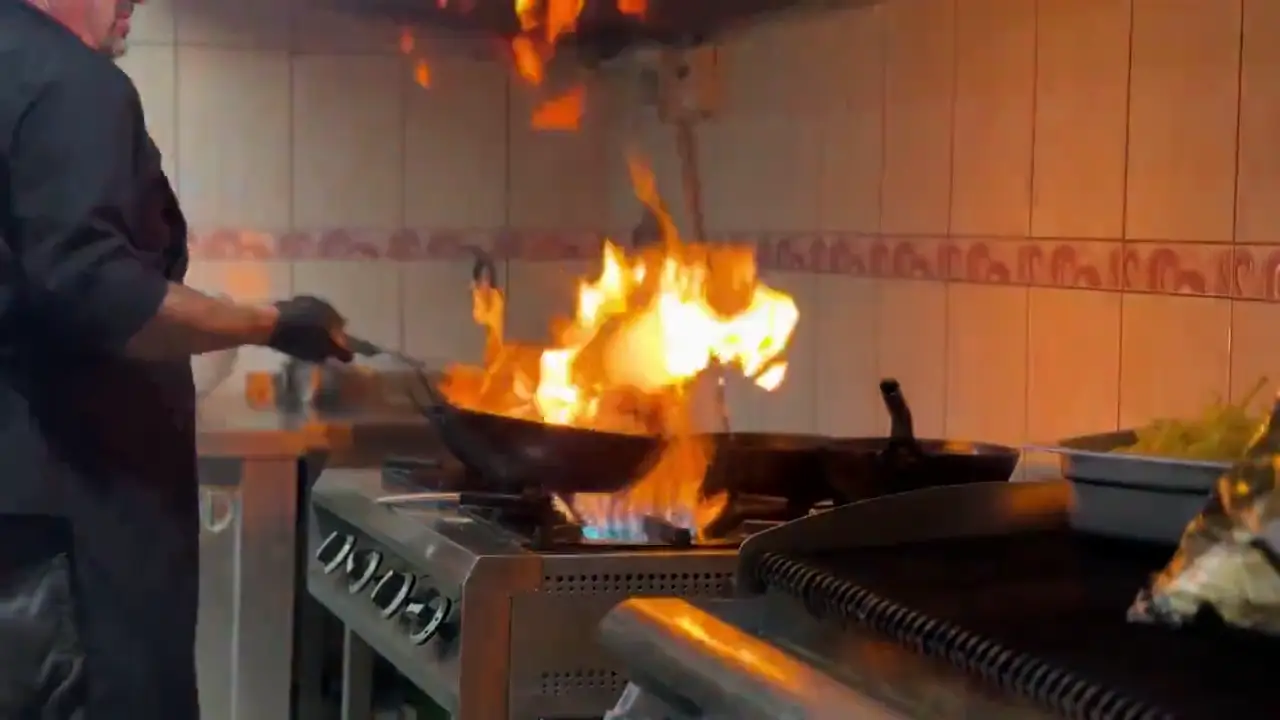
For owners and managers in Summit and Portage counties
Seat more patrons. Turn tables faster. Fill slow nights.
- Keep walk-ins from walking out with a waitlist that notifies patrons when their table is ready.
- Get found for what makes you special, like fresh brewed sweet tea or live music on the patio.
- Get a website, digital waitlist, TV signage, kitchen screen, specials posts, nightly numbers, and more.
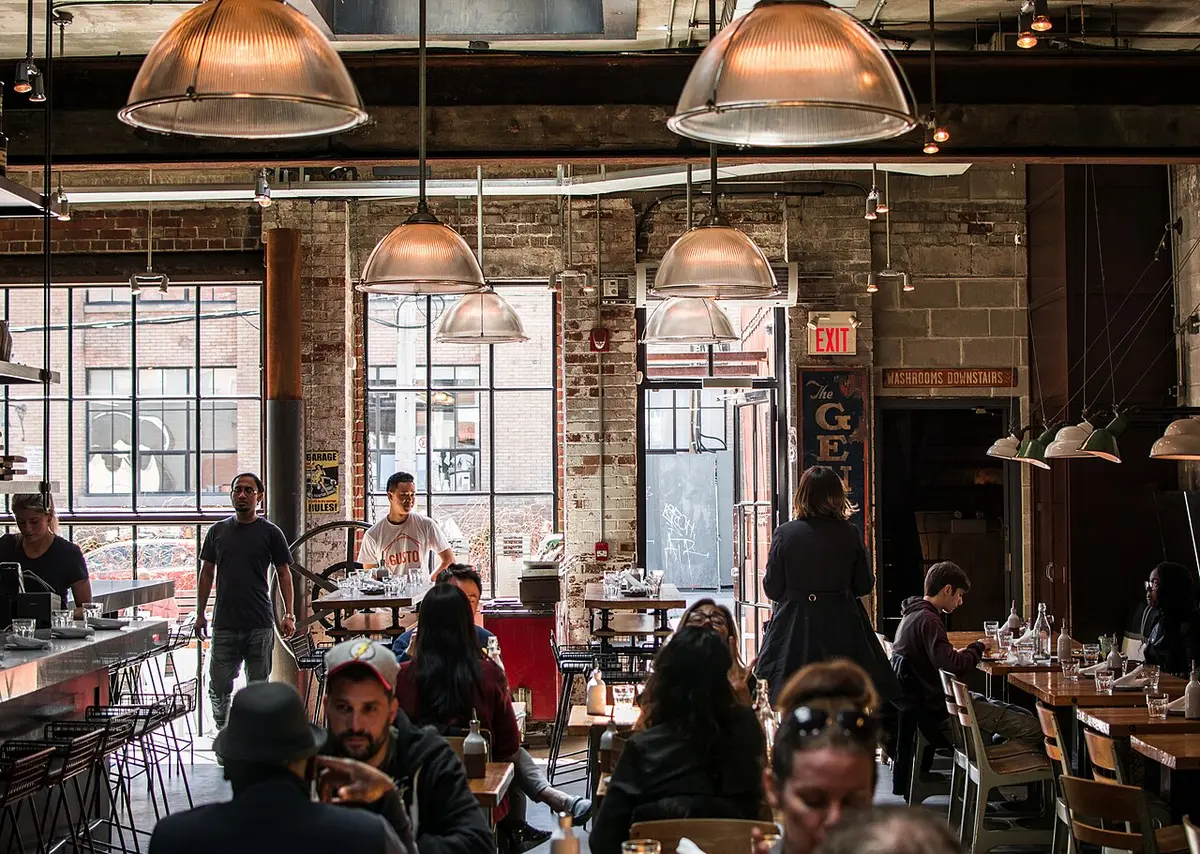
One Friday night
Here’s a busy night at an independent spot, with RightPlace running it.
Every step below is built today. Tap any one to try it in the demo spot.
 ExampleHalf-price wings, 4 to 7Posted · door TV · your pageExampleDeal Alert sentto patrons who follow youExampleOn the door TV nowbeside the wait
 Example35 min waitposted at the host standExampleMartinez, party of 4Table ready · notifiedExampleKim, on the wayjoined from home
 ExampleTable 12 · The checkSam · On my wayExampleTable 7 · RefillDiet CokeExampleTable 3 · To-go boxDone
 ExampleTable 7 · 2 burgersPeanut allergyExampleHere nowseated at table 4ExampleFires itself in 5 minnext course
 ExampleSeated through RightPlacetonightExampleDeal tapsWings specialExampleBusiest hourthe hour that seated most
The tool tour
Every tool, one at a time.
Turn on the ones you need. Each one works by itself, and they get better together. Every tool is included with a RightPlace membership, and Try it opens it in the demo, ready to use.
RightPlace Line
Losing walk-ins during the rush?
Tap Table ready and they’re notified, so fewer people give up and leave.
- One list for the door, the phone and people on the way
- A wait you post once shows everywhere
- Table ready reaches them, no shouting names
Opens: Host Stand, signed in as the host
RightPlace Door TV
TV by the door showing nothing useful?
Your wait, tonight’s specials and your menu on any smart TV. Change a slide from your phone and the TV updates.
- Slides for the wait, specials, taps and games
- Edit from your phone in a minute
- Runs on the smart TV you already have
Opens: Door TV slide editor
RightPlace Deals
Posting the same special on three apps?
Post a special once and it shows on your door TV, your page and regulars’ phones. Numbers shows how many sat down from it.
- One post reaches the TV, your page and phones
- Set the days and hours once
- See how many sat down from it
Opens: Your deals, ready for a new one
RightPlace Tables
Patrons waving for a refill?
A scan card on each table for a refill, the check or a to-go box. The ask goes straight to that table’s server.
- A scan card for every table, ready to print
- Asks go to that table’s server
- See how fast each one got answered
Opens: Table cards, ready to print
RightPlace Tableside
Servers walking back to the terminal?
Servers send orders and answer table requests from their phones. On Clover, orders land right on the check.
- Orders go straight to the kitchen
- Refills and checks asked for right on their phone
- Hand a table off with one tap
Opens: Server screen, signed in as Sam
RightPlace Play
Quiet Tuesday, and trivia a hassle to run?
Trivia and party games on the TV you already own, played on patrons’ phones. Any staff member can run trivia night from the host stand.
- Questions ready to go, or bring your own
- Patrons play on their own phones
- Run it from the host stand
Opens: Play, ready to start a game
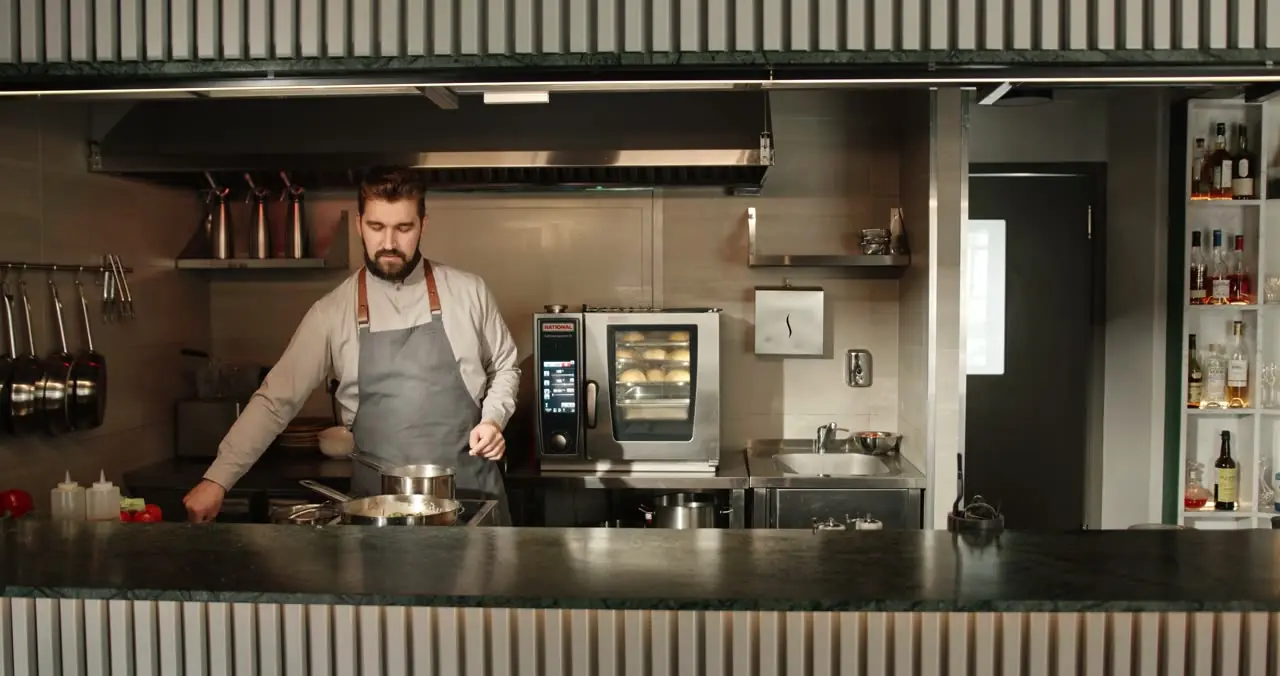
RightPlace Kitchen
Tickets piling up on the spike?
Tickets land on a tablet, oldest first, with allergies in red. Cooks see when a party walks in or sits down.
- Oldest ticket first, aging colors as it waits
- Allergies in red on every ticket
- Bump it done with one tap
Opens: Kitchen screen with live tickets
RightPlace Catering
Catering orders on sticky notes?
A catering menu with your own prices, a request form patrons fill in, quotes you send back and a prep sheet for the day.
- Your catering menu with your own prices
- Requests come in one place
- A prep sheet for the day
Opens: Catering requests and quotes

RightPlace Regulars
Know who your regulars really are?
Points and perks you choose, confirmed by your staff. See who keeps coming back and who’s gone quiet.
- Perks you pick, confirmed by your staff
- Ranks like Regular and VIP, named your way
- A nudge for regulars who’ve gone quiet
Opens: Rewards and perks

RightPlace Numbers
Guessing what worked last night?
How the night went, from your own taps: patrons seated, deals used, busiest hours, in plain words.
- Patrons seated and deals used, night by night
- Your busiest and slowest hours
- Every number shows where it came from
Opens: Numbers for Main Street Grill
RightPlace Everywhere
Old hours still showing online?
Your hours, menu, photos and specials in one place, a check of how each of your listings looks, and one post you write once for every site.
- A check of how each listing looks
- Your hours and menu kept in one place
- Write a post once for every site
Opens: Everywhere for Main Street Grill
For patrons
Free for patrons, always.
Your regulars carry RightPlace in their pocket. The more of them who use it, the more your posts and your wait reach them.
 Skip standing in lineJoin the waitlist from your phone and get notified when your table is ready.
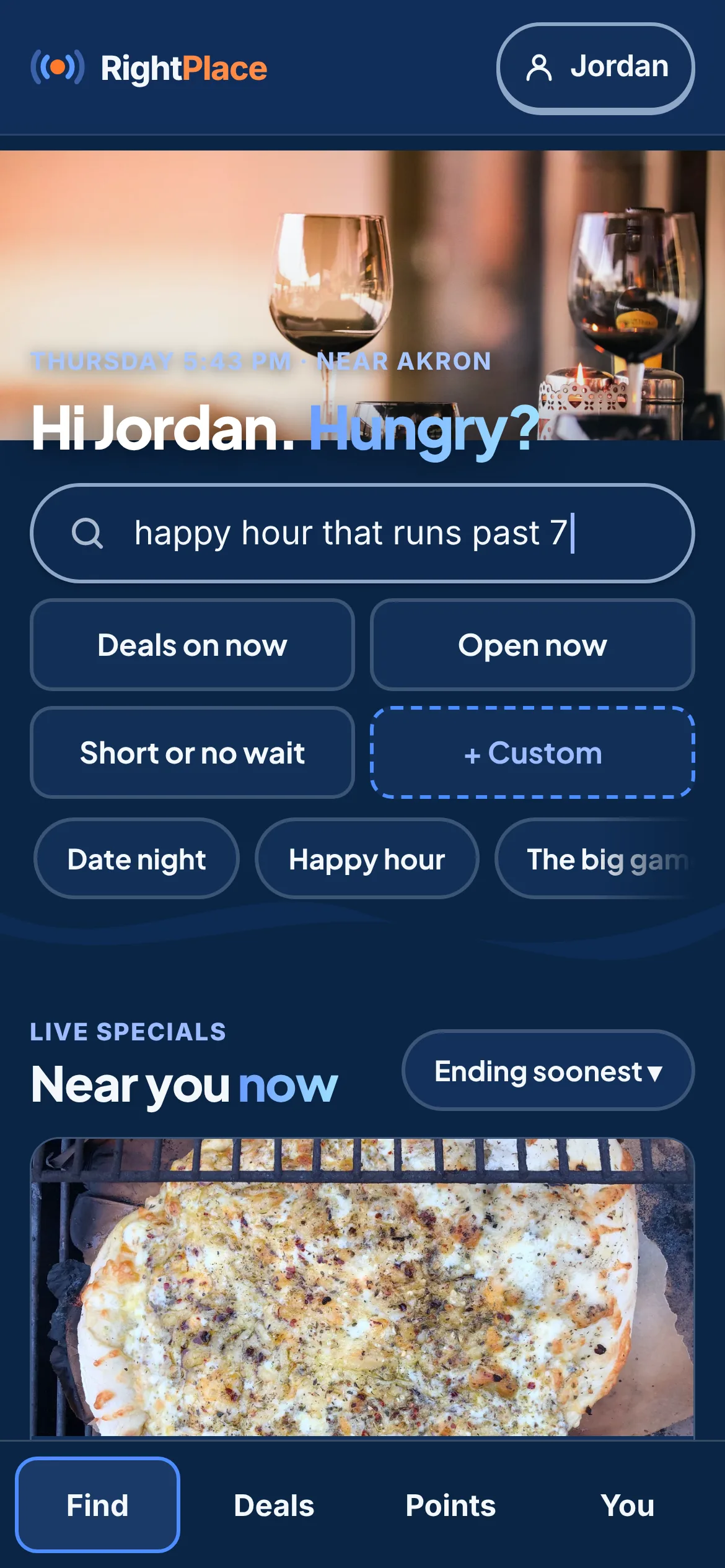
 Save with deals on right nowAnd earn points toward perks at the spots you keep going back to.
 Find the spot that fits your nightLike a patio that welcomes dogs or the big game on TV with the sound on.
 Ask from your seatA refill or the check from your phone, no waving.
 Example
You pick what we build
Tell us what would help on your busiest night.
About three minutes of taps, no name needed.
Running the night
Is RightPlace a restaurant waitlist app?
Yes. Walk-ins, phone calls and patrons on the way go on one list at the host stand, the wait is posted with one tap, and each party is notified when the table is ready. It’s one of the tools, and you can use it on its own.
Try LineCan it replace my digital signage or menu board?
Yes. Open one web link on any smart TV and it shows the wait, tonight’s special, your menu and photos. You can bring the slides you already have, and keep or cancel the signage service you pay for today.
Try Door TVIs there a kitchen display system?
Yes. Tickets show on a tablet by the line, oldest first, with the table, who sent it and allergies in red. A backup printer works with it if you want one.
Try KitchenCan servers take orders on their phones?
Yes. Servers send orders and answer table requests from their own phones. On Clover, the order lands on the table’s open check, so nobody rings it in twice.
Try TablesideWhat happens when we get slammed?
The kitchen taps We’re slammed. Food sent ahead and door sign-ups pause, and the posted wait goes up a step until you end it.
Try KitchenGetting patrons back
Does it include a loyalty program?
Yes. Points for visits and perks you pick, confirmed by your staff with a tap. Nothing costs you until a perk is used.
Try RegularsHow do I fill a slow Tuesday?
Post a Tuesday-only special. It goes on your door TV, your page and the phones of regulars who follow you, and Numbers shows how many sat down from it.
Try DealsDo patrons need to download an app?
No. Walk-ins and phone calls go on the list with no account. Patrons who find you on RightPlace use it in their web browser, and signing in is optional.
Try LineCan I post a special once and have it show everywhere?
Yes. One post goes to your RightPlace page, your door TV and regulars who asked for deals, and you can copy it to your social pages in a tap.
Try DealsCan I take catering requests?
Yes. Patrons ask for a quote from your catering menu, and you answer from the Manager. Your prices are your own, and patrons pay you directly.
Try CateringGetting started
Is there hardware to buy?
No hardware required. RightPlace runs in the web browser on phones, tablets, laptops and smart TVs. Keep a spare device or two charged, and staff can use their own.
Try LineDoes it work with my register?
Yes. RightPlace runs in a web browser beside your register, so it works whether you use Toast, Square, Clover or something else, and patrons pay there like always. On Clover, server orders also go straight onto the table’s Clover check. More registers are coming soon.
Try TablesideHow long does setup take?
Most spots start with hours, seats and their menu, then add a tool at a time. You set it up yourself, and we’re a text or call away if you want help.
Try NumbersDo I have to use every tool?
No. Every tool is optional. Turn on only the ones you want, and add more whenever you like.
Try DealsWhere does RightPlace work?
We’re starting with independent restaurants and bars in Summit and Portage counties, Ohio. Each spot sets itself up, and we’re a text or call away if you want help.
Try Line
Ready when you are.
Pick whichever fits today.